Pilot onboarding available Start a pilot
Menu

Retail label operations

Control every change.
Print with confidence.

Daryng gives retail teams one controlled workspace for price changes, template approvals, printer calibration and print-ready output — with cleaner structure, consistent branding and a calmer day-to-day workflow.
Review before print
Track price updates and queue only the labels that actually need to change.
Calibrate once
Save printer profiles so every branch can print labels with more confidence and less guesswork.
Stay brand-ready
Organise templates, logos and media assets in one consistent operating system.
Price-change control Production-ready workflow
Daryng price-change operations and print jobs displayed on a laptop Daryng printer calibration workflow with a real printer and calibration sheet Daryng template studio interface editing a retail price label Daryng media centre showing logos, brand files and product assets
Controlled print workflow Consistent UI system
Built for everyday retail workPrice changesApprovalsPrinter setupTemplate controlBrand assetsPrint accountability

Show the product clearly, with real workflows that make sense to retail teams.

01

Price-change operations

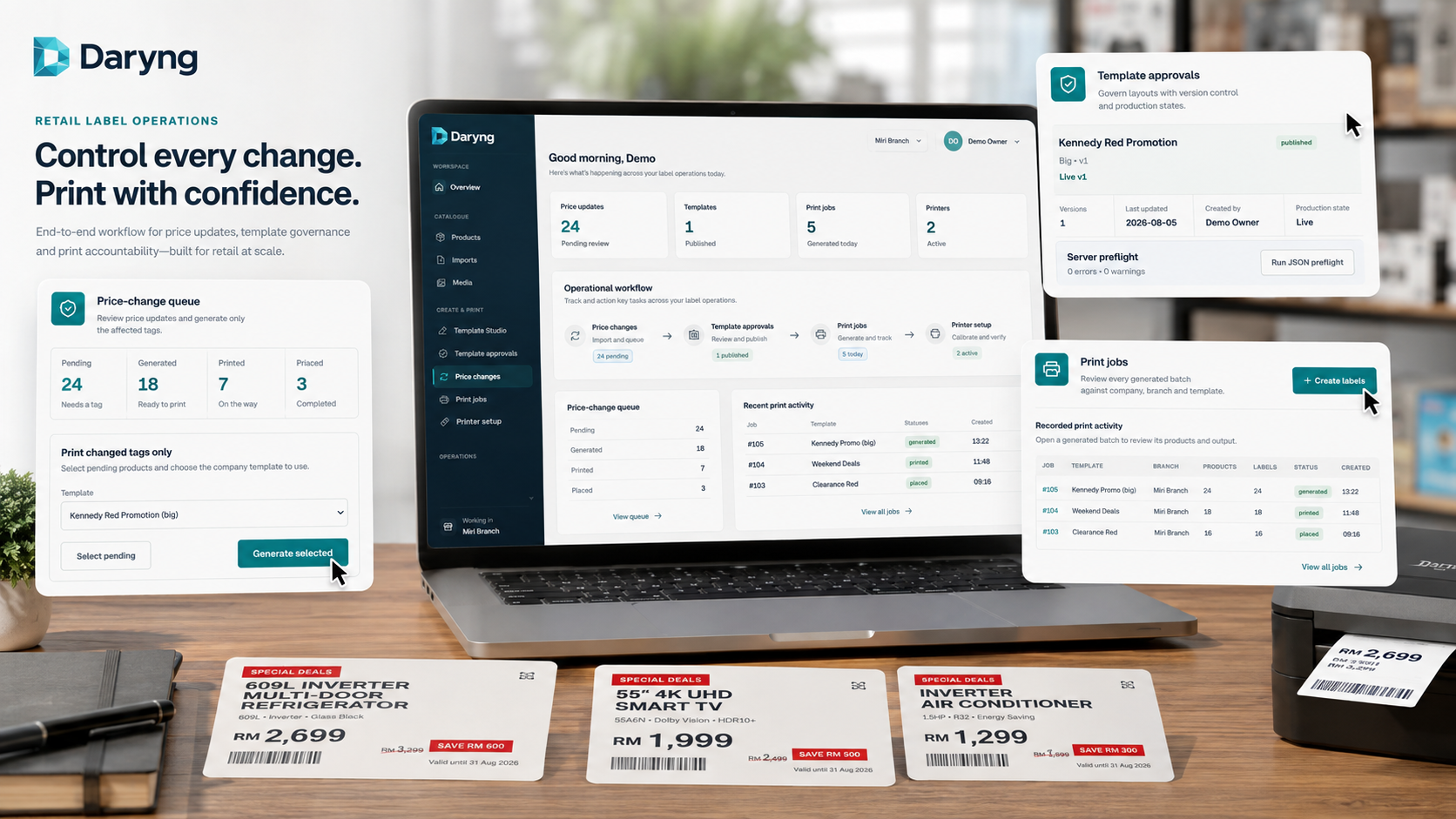
Queue pending updates, generate only affected tags and keep print jobs visible from one operational dashboard.

02

Printer calibration

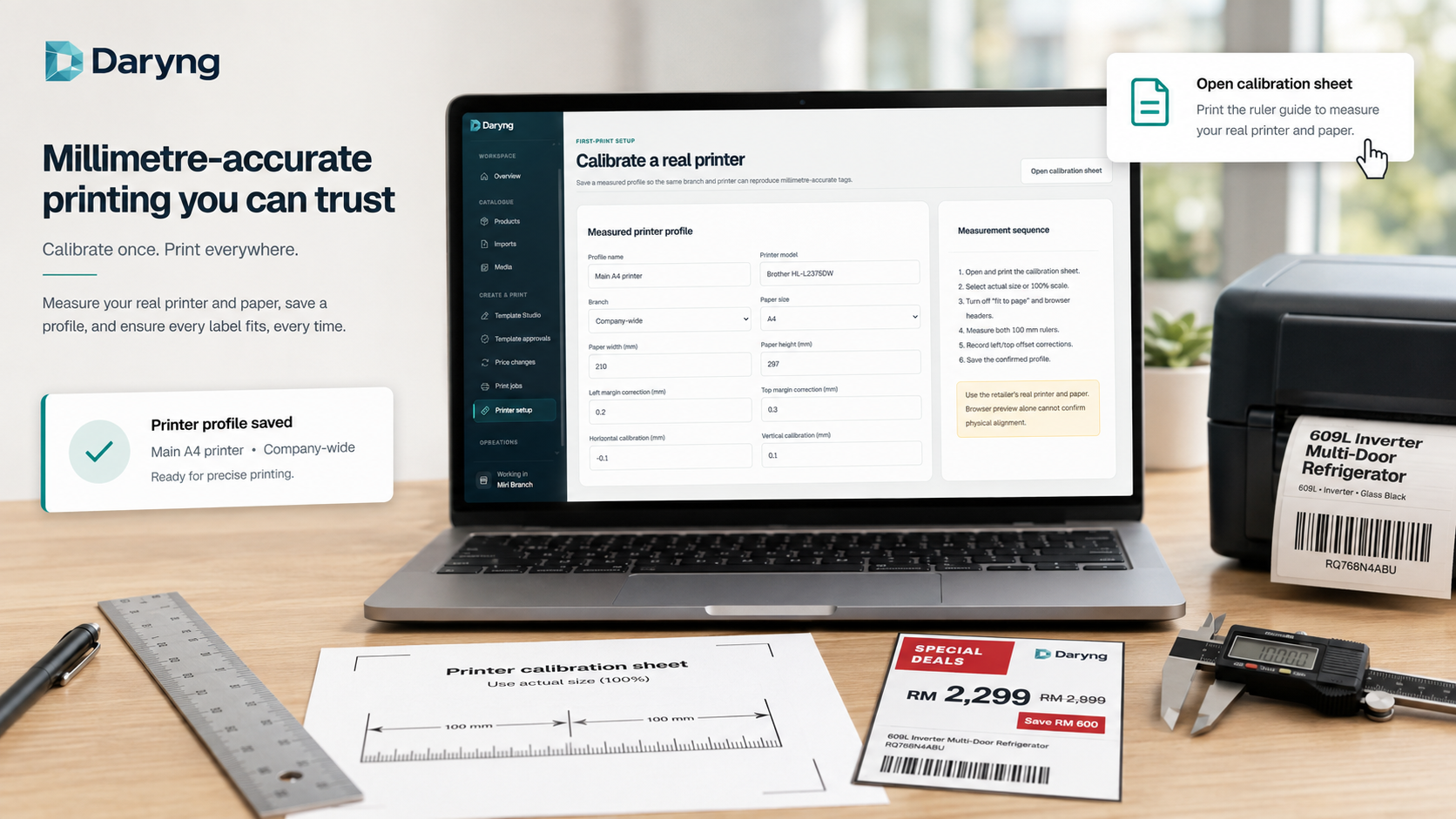
Save measured printer and paper profiles so labels land more accurately on the physical output.

03

Template Studio

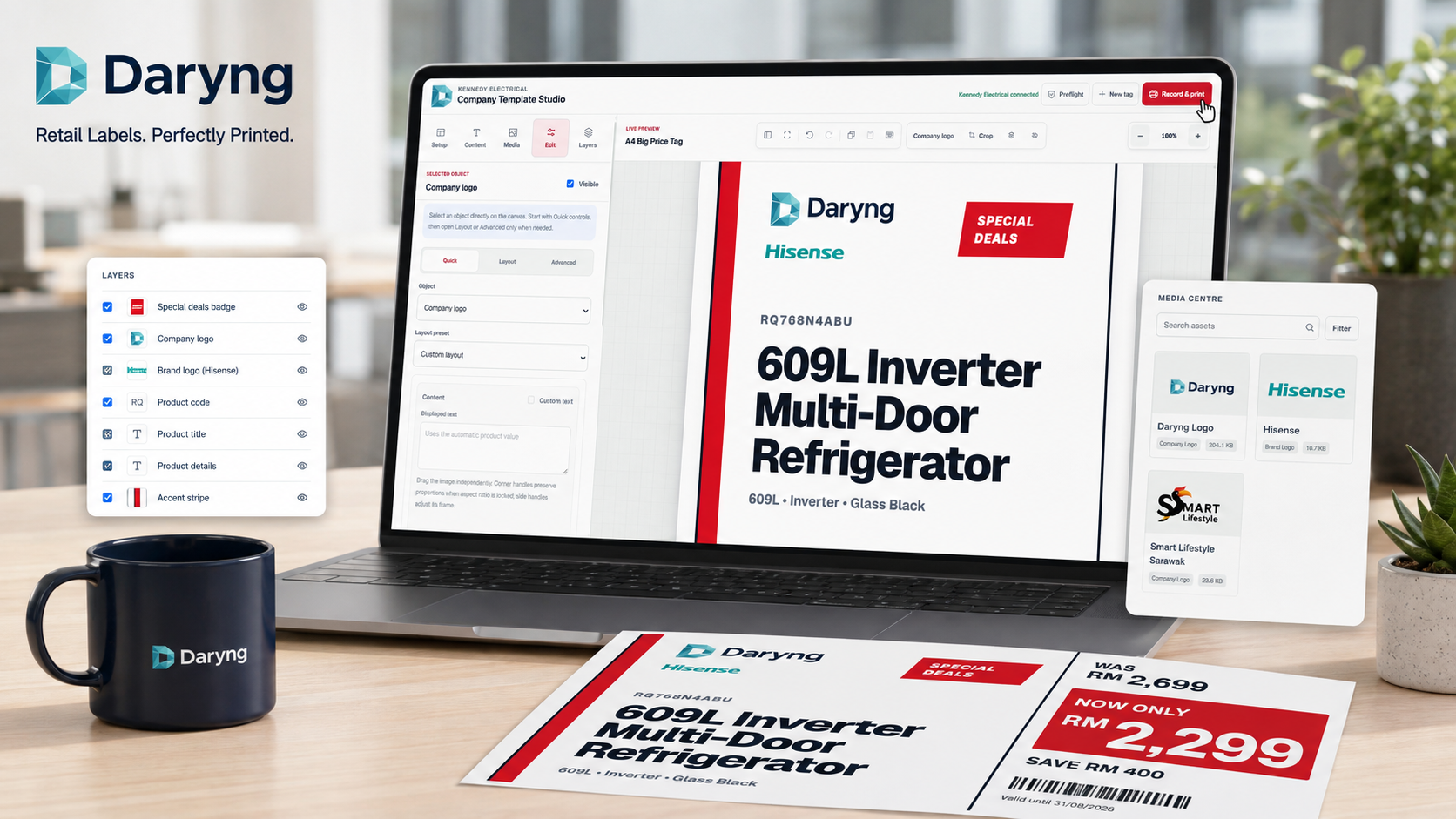
Edit layouts, manage layers and keep company or brand assets consistent across printable templates.

04

Media Centre

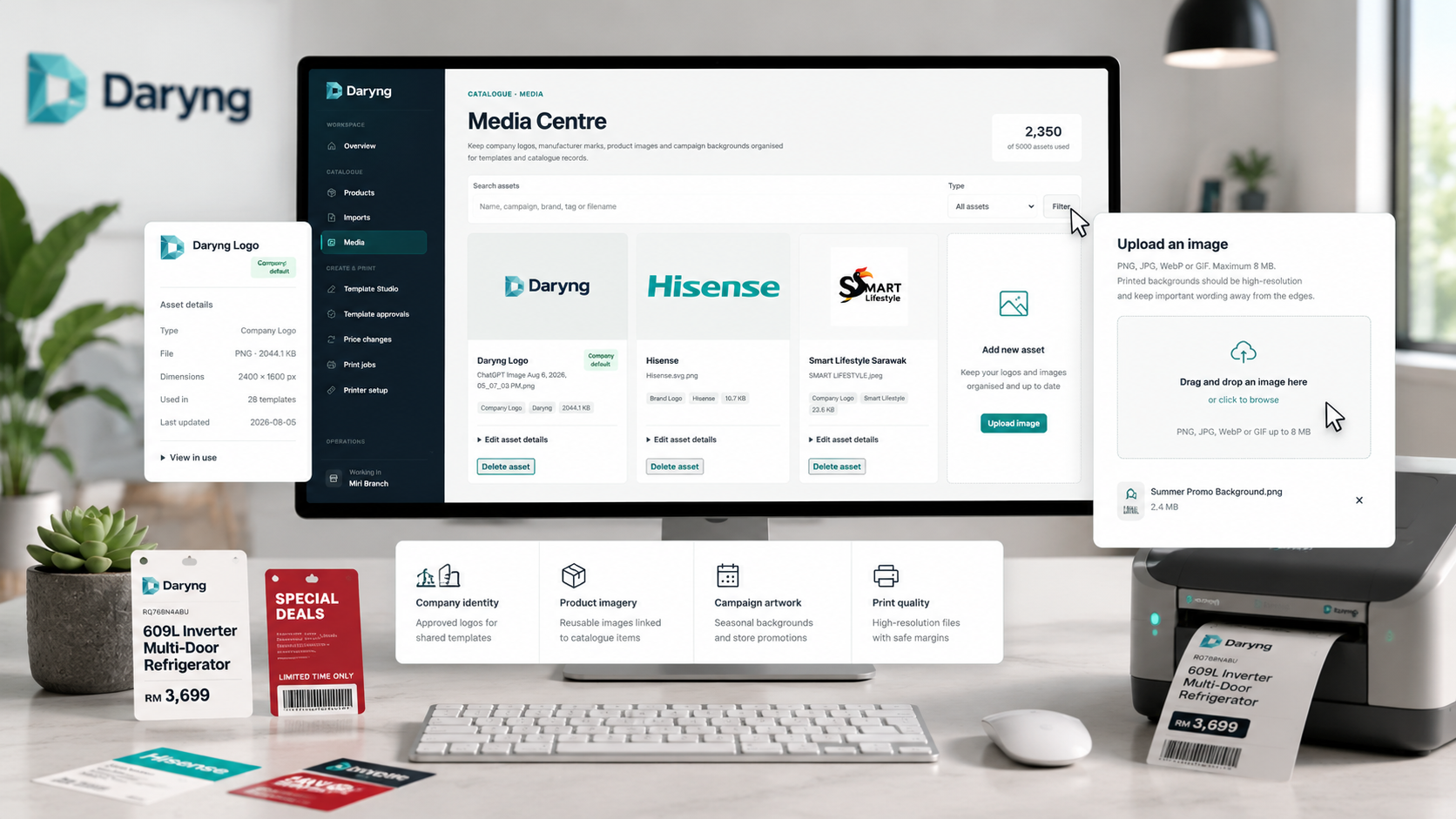
Store logos, product imagery and campaign artwork in one reusable library for controlled retail production.

A single operating flow for reviewing changes, setting up print, building templates and managing assets.

Operations01 / 04
Daryng price-change operations workspace
One workspace that looks deliberate, consistent and ready for real daily use.
01

Review price changes

Track pending, generated, printed and completed price updates before you create the next batch.

02

Calibrate the real printer

Measure actual paper and output so branches can trust the physical print result, not just the browser preview.

03

Build and approve templates

Work with company logos, special-deal treatments and brand elements inside a controlled template studio.

04

Keep assets organised

Centralise logos, product imagery and campaign artwork so teams can reuse approved assets without hunting for files.

Use real product imagery on the front page, so visitors immediately understand what Daryng actually does.

Daryng template studio interface editing a large retail label

Template Studio

Show how the system builds real retail labels, not just abstract dashboards.

The template editor communicates direct value: branded layouts, clear pricing treatment, media controls and a production-minded workspace.
Daryng media centre interface with uploaded brand assets

Media Centre

Show the asset library that keeps logos, backgrounds and imagery reusable.

This helps the front page feel more credible, because it demonstrates a complete operating system rather than a single isolated screen.

Natural, product-led presentation

Clean screenshots, a consistent logo system and stronger copy make the front page feel more premium.

The updated front page now explains Daryng through real working views: change control, printer calibration, template production and asset management. This is more believable, more informative and more commercially credible than generic mockups.

Visual language
One consistent Daryng logo and a cleaner public presentation
Section flow
Hero, operating pillars, workflow, product views, pricing and final CTA
CTA structure
Clear paths to start a pilot or compare plans
Daryng printer calibration workflow with real-world print tools

Pricing built around operations

Start with one store. Expand when your workflow is ready.

Monthly pricing stays predictable for software usage, while custom integrations and specialised deployments remain separately scoped.

Commercial pilot

See your own catalogue, templates and print output inside a controlled Daryng pilot.

Use a trial workspace to validate product import flow, template governance, printer calibration and branch-level print operations before a wider rollout.

Create a pilot workspace

Confirm action